Travel protection
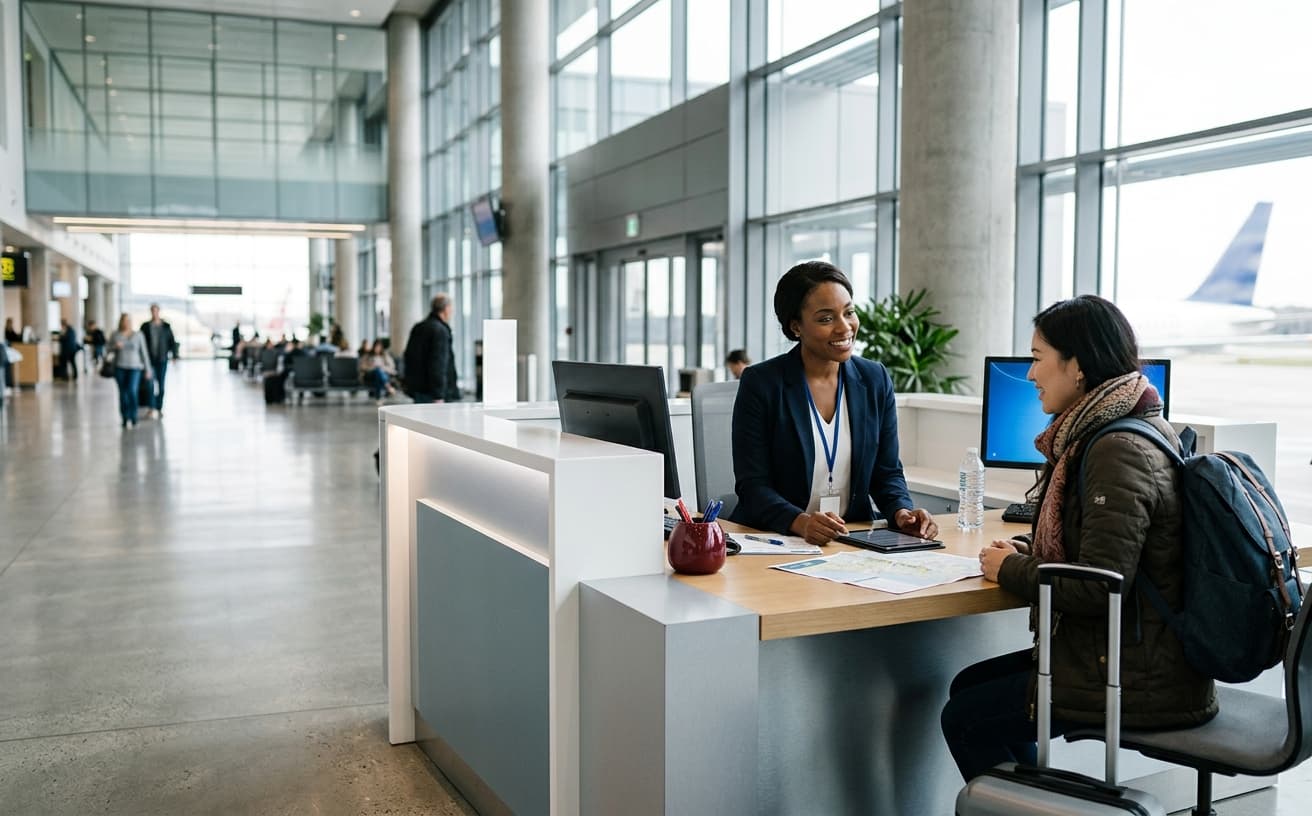
Travel help from a real person
Find your trip, check the next step, or reach the TripOasia desk at any hour.

Start with what you need
Your booking, your question, and the right next action stay together in one clear place.
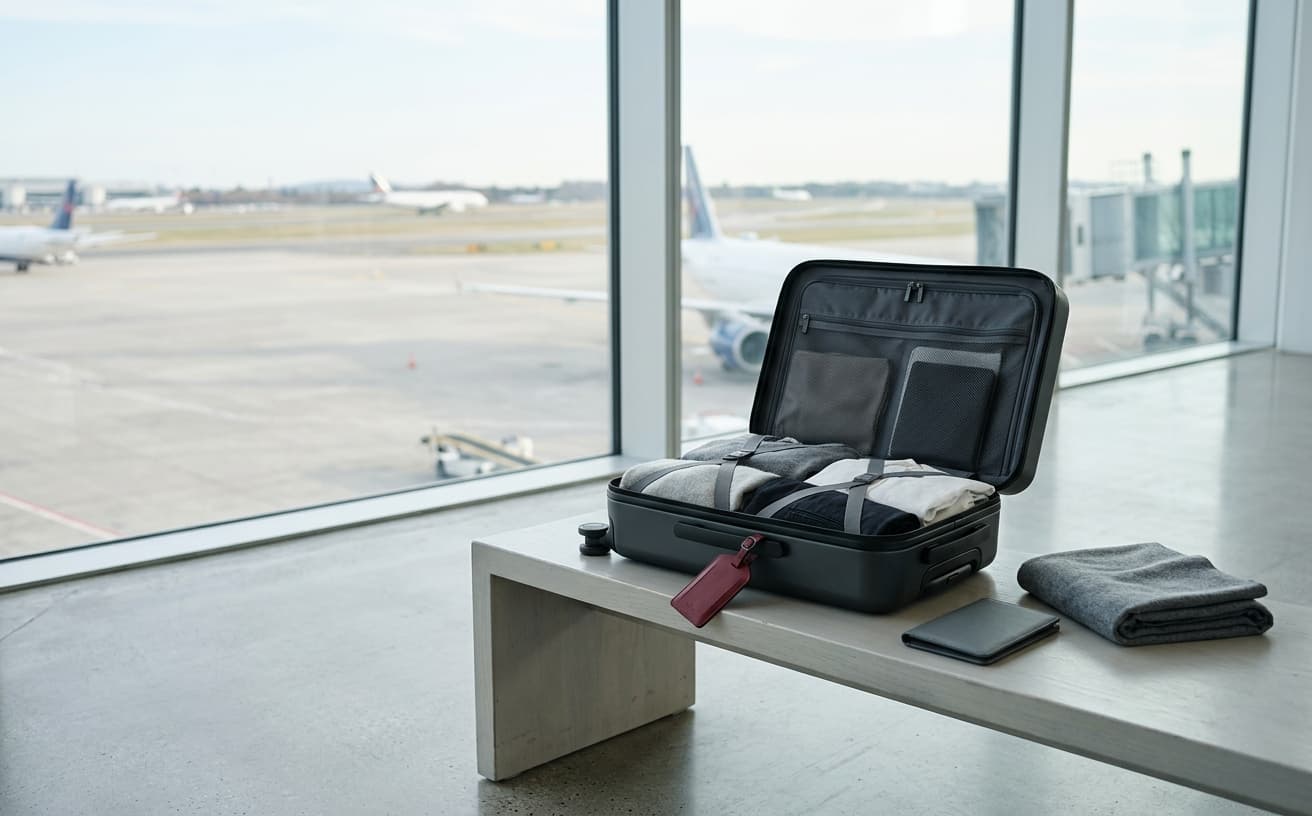
Check baggage before you fly
Allowances vary by airline, route, cabin, ticket, and frequent-flyer status. Start with the issued itinerary.
Check the issued ticket
Look for the cabin and baggage details listed on each flight segment.
Confirm the operator
The operating airline's rules apply when carriers share a flight number.
Review special items
Sports gear, instruments, mobility aids, and pets can follow separate rules.
Recheck before departure
Policies can change, so confirm the allowance again before you leave.
Need the operating airline?
Use the airline directory to find the carrier, then ask TripOasia which contact path fits your ticket.
Frequently asked questions
Clear answers for the questions travelers ask most often.
01How do I find my TripOasia booking?
Open My Trips and enter the booking details from your confirmation. If the itinerary does not appear, call the travel desk for help.
02Can TripOasia help after a ticket is issued?
Yes. Contact the travel desk for schedule changes, rebooking questions, seat requests, or help understanding the airline's next step.
03Where can I confirm my baggage allowance?
Your allowance depends on the operating airline, route, fare, and cabin. Check the issued ticket first, then confirm with the airline before departure.
04How do I request a callback?
Use the callback form on the contact page and share a phone number, route, and preferred time. A travel manager will follow up.